
What a Montgomery County Court Docket Shows
Think of a docket as the timeline of a case. Each entry marks something that happened or something set to happen. Filings, motions, and orders all land on the docket. So do resets, pleas, and hearing dates. The clerk logs each step under one case number, which keeps the whole history in one place. A docket entry is short. It names the action and the date, not the full text of the document behind it.
Texas courts use Odyssey, a case-management system from Tyler Technologies. Odyssey ties parties, events, and settings together. When you open a docket entry, you may see a filing, a motion, an order, a notice, a hearing, a continuance, a judgment, a plea, a sentencing note, or an appeal notice. The wording is brief by design. A line might read "Motion to Continue" or "Reset by Agreement" with a date next to it.
Dockets matter most when you need to know what comes next. A party, an attorney, a witness, or a family member can check the calendar to confirm a court date. For the deeper case picture, including parties and disposition, the broader Montgomery County court records search is the better tool. The docket is the schedule. The case file is the substance.
How to Find Montgomery County Court Dockets Online
The county runs two Odyssey Public Access sites. The District Clerk site covers district court cases, which means felony criminal, civil, family, and divorce matters. The County Clerk site covers county court at law and probate matters, which means misdemeanors, county civil suits, and probate files. Both sites carry a "Court Calendar" option in the location menu. That calendar node is where docket and hearing-date searches run.
Before you start, have a name or a case number ready. A date range helps when a name is common. If one portal shows nothing, the case may belong to the other clerk, so check both.
- Decide the court level. Felony, family, and major civil go to the District Clerk. Misdemeanor and probate go to the County Clerk.
- Open the matching Odyssey Public Access site.
- Pick "Court Calendar" from the "Select a location" menu.
- Enter a party name or a case number, then narrow by court and date.
- Open the setting to view the date, time, courtroom, and judge, then confirm it with the court.
The District Clerk landing page lets you choose between all courts, criminal records, civil and family records, and the court calendar. You can reach it through the official District Clerk Odyssey portal. The screen is the same Tyler Public Access design used across Texas.
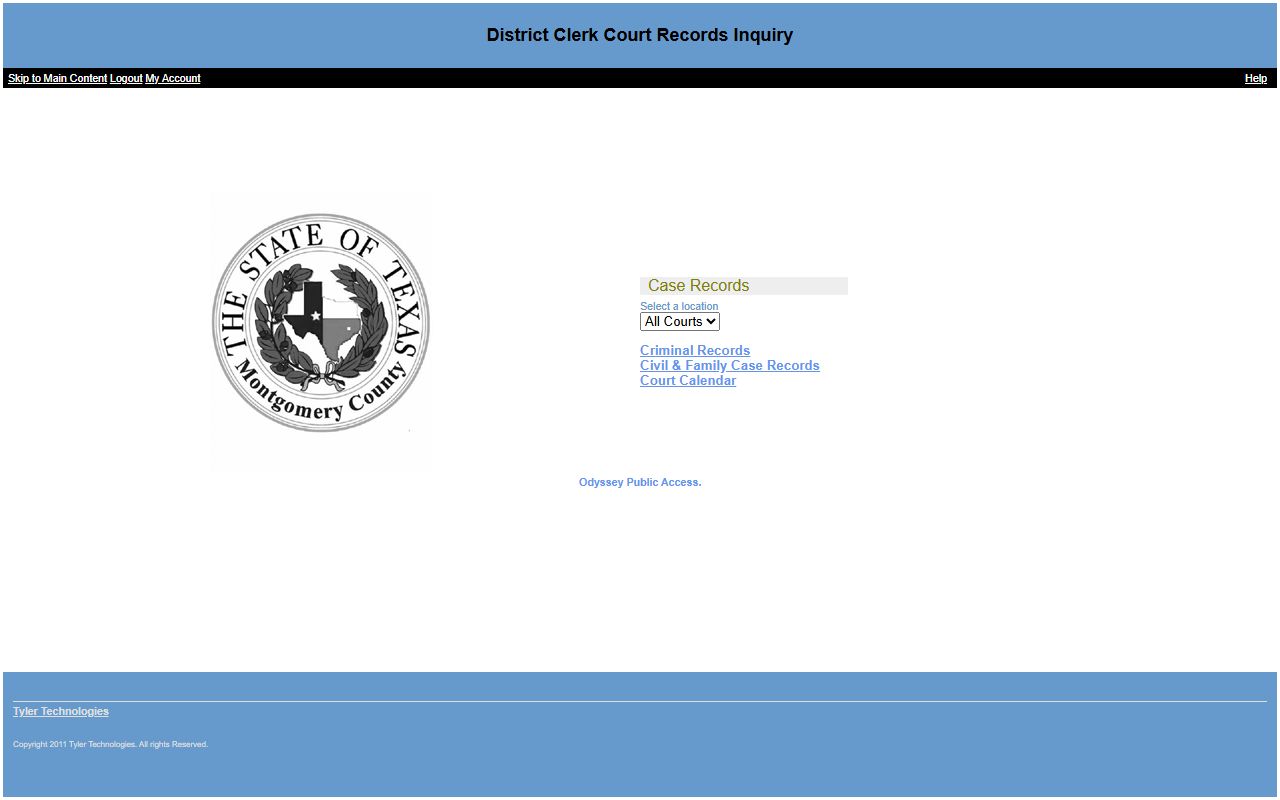
From that menu, the Court Calendar choice opens the docket and hearing search for the district courts. The County Clerk version works the same way for county and probate dockets.
Which Montgomery County Courts Publish Docket Calendars
Two court levels post dockets through Odyssey. The district courts publish through the District Clerk side. The county courts at law publish through the County Clerk side. The district courts page links a "Searchable Court Docket" tool, and individual courts repeat that link on their own pages. The county courts publish a county docket through the County Clerk calendar.
The District Clerk calendar search lives at a fixed location in the system. You can open it directly at the District Clerk Odyssey court calendar. That node lists settings across all of the district courts, so a search can pull dates from any of them.
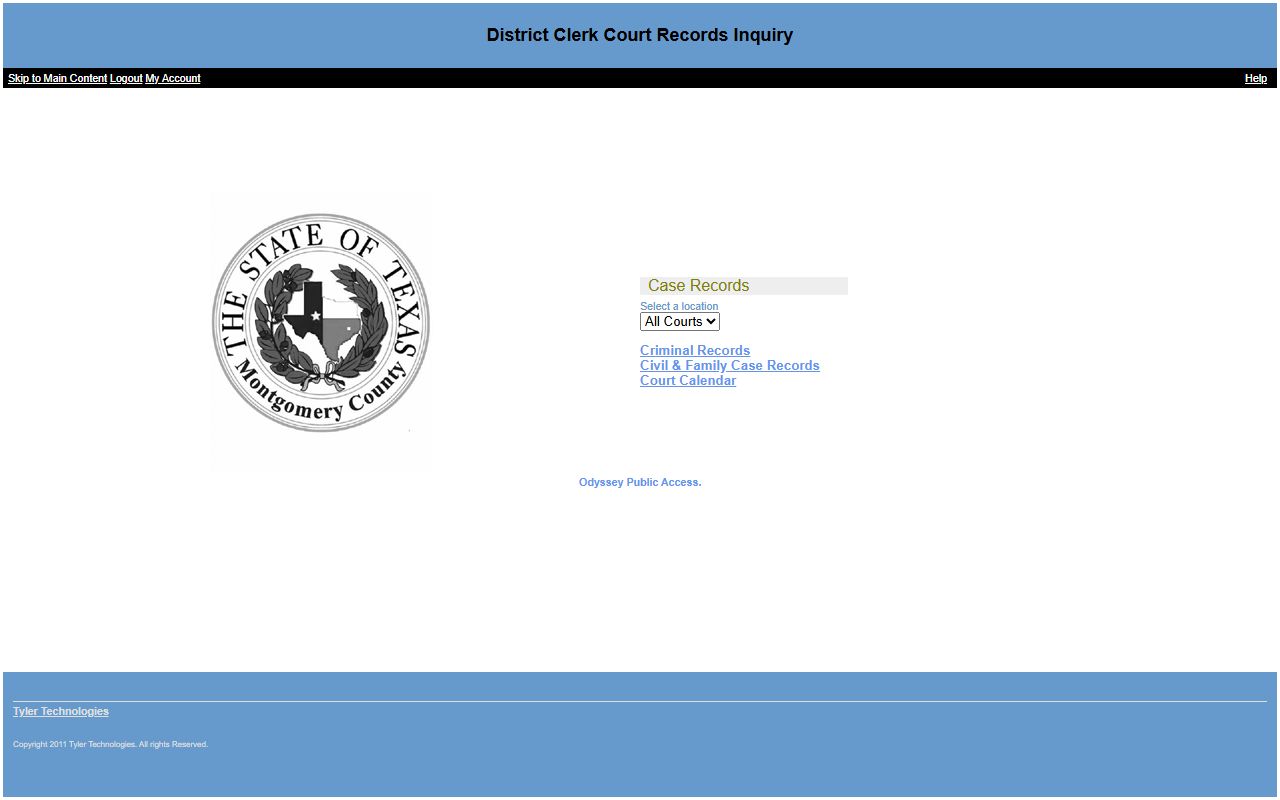
That calendar tool is the official source for district court-date searches. The county side mirrors it for county court at law and probate settings. To open the county tool, start at the County Clerk Odyssey portal and pick Court Calendar from the menu. The full list of district and county courts, with what each one handles, sits on the Montgomery County district court page.
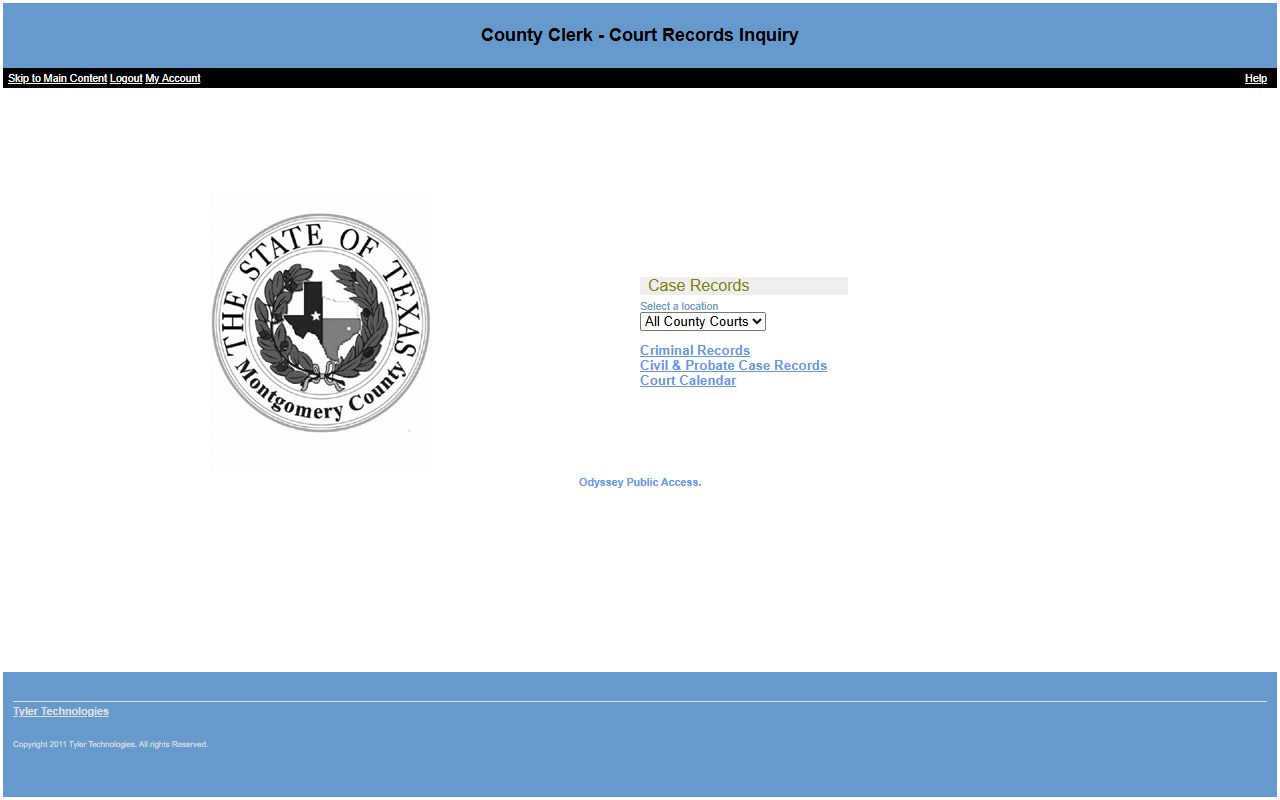
So the rule is simple. District court dockets come from the District Clerk calendar. County court at law and probate dockets come from the County Clerk calendar. Justice court and municipal matters keep their own dockets at the precinct or city level.
Montgomery County Docket Entry Fields
A calendar search returns scheduling data, not the full file. The result tells you when a setting is, where it is, and who hears it. The table below lists the fields you can expect from a Montgomery County docket or hearing search. These come from the standard Odyssey case and calendar structure used by the county.
| Field | What It Shows |
|---|---|
| Hearing Date / Time | When the setting is scheduled to take place. |
| Courtroom | The room or location assigned for the setting. |
| Judge | The judge or court assigned to hear the matter. |
| Docket / Hearing Type | The kind of setting, such as arraignment, trial, plea, or motion. |
| Docket Entries | Filings, motions, orders, notices, resets, pleas, and judgments logged on the case. |
| Case Status | Pending, active, disposed, closed, dismissed, transferred, or sealed. |
Some entries note a remote or video option where a court allows it. The wording stays short. A status of "disposed" or "closed" tells you the case may no longer carry future settings, while "pending" or "active" points to a date still to come.
Note: A docket setting can change without notice, so treat any date you find online as tentative and confirm it with the court before you rely on it.
How a Montgomery County Docket Differs From the Full Case File
A docket and a case file are not the same thing. The docket is the list of events and settings. The file is the stack of documents behind those events. A docket line might read "Order Signed," but the order itself is a document in the file. To read that order, you usually need the document, not just the docket entry.
Odyssey ties both together under one case number. The calendar view shows the schedule. The case view shows parties, filing date, case type, and the docket of events. Document access varies. Some filings show as links, some require a clerk request, and sealed items do not appear at all. So a docket can confirm that something happened without giving you the paper that proves it.
A few terms come up again and again on a docket, and knowing them helps you read a setting fast.
- Reset: a new court date set in a criminal or traffic case.
- Continuance: a postponement of a hearing or trial.
- Motion: a written request asking the court to act.
- Order: a judge's directive that resolves an issue.
- Disposition: the final outcome of a case or charge.
This split matters for legal use. A screenshot of an online docket is not a certified record. For a true copy with the clerk's seal, you request it from the clerk that holds the file. The District Clerk handles district court documents. The County Clerk handles county court, probate, and recorded items. For the steps on copies and certified documents, see the District Clerk page.
Verifying a Court Date in Montgomery County
People often want one thing from a docket: the next court date. The safest path depends on the charge. For a district court date, use the District Clerk Odyssey Court Calendar or call the District Clerk. For a county misdemeanor date, check the County Clerk Odyssey Court Calendar or call the County Clerk. The calendar gives you the date, the time, the courtroom, and the judge.
One point trips up a lot of callers. The jail does not assign or track court dates. The Sheriff's jail FAQ states this plainly. So a felony court-date question should go to the District Clerk, and a misdemeanor court-date question should go to the County Clerk, not to the jail. Asking the jail about a setting usually leads to a dead end.
If a search returns nothing, the matter may sit with the other clerk, or it may be a justice court or municipal case kept by that court directly. Confirm the court named on any paperwork you hold. When the case is criminal, the arrest records page explains how charges and bookings connect to the court file.
Montgomery County District Clerk
301 N. Main Street, Suite 103
Conroe, TX 77301
936-539-7855
Melisa Miller, District Clerk
Montgomery County County Clerk
210 West Davis
Conroe, TX 77301
936-539-7885
L. Brandon Steinmann, County Clerk
Missing a Montgomery County Court Date
A docket date is not a suggestion. Miss it, and the case can take a hard turn. In many matters the court will simply reset the date, which means a new setting goes on the docket. That is the lighter outcome. It happens often in early stages and in some traffic and misdemeanor matters.
A missed criminal or traffic setting can go the other way. The court may enter a failure to appear and issue a capias. A capias is a writ that orders an arrest, often after a missed date or an unpaid judgment. A related process, a capias pro fine, enforces an unpaid fine or cost. Either one can show on the docket as a status change, sometimes reading "warrant/capias issued."
If a capias or warrant is out, the next step is to act, not to wait. Contact the issuing court, the Sheriff's Office, or an attorney. You can check the county's active list through the warrant records page, and you can confirm the charge background through the arrest records search. Common questions about settings, resets, and missed dates are answered on the FAQ page.