
How to Search Montgomery County Traffic Court Records
Start with the ticket in your hand. The citation names the court, the precinct or city, and the citation number. That tells you who holds your record. There is no one portal for the whole county. Each justice court and each city court runs its own files.
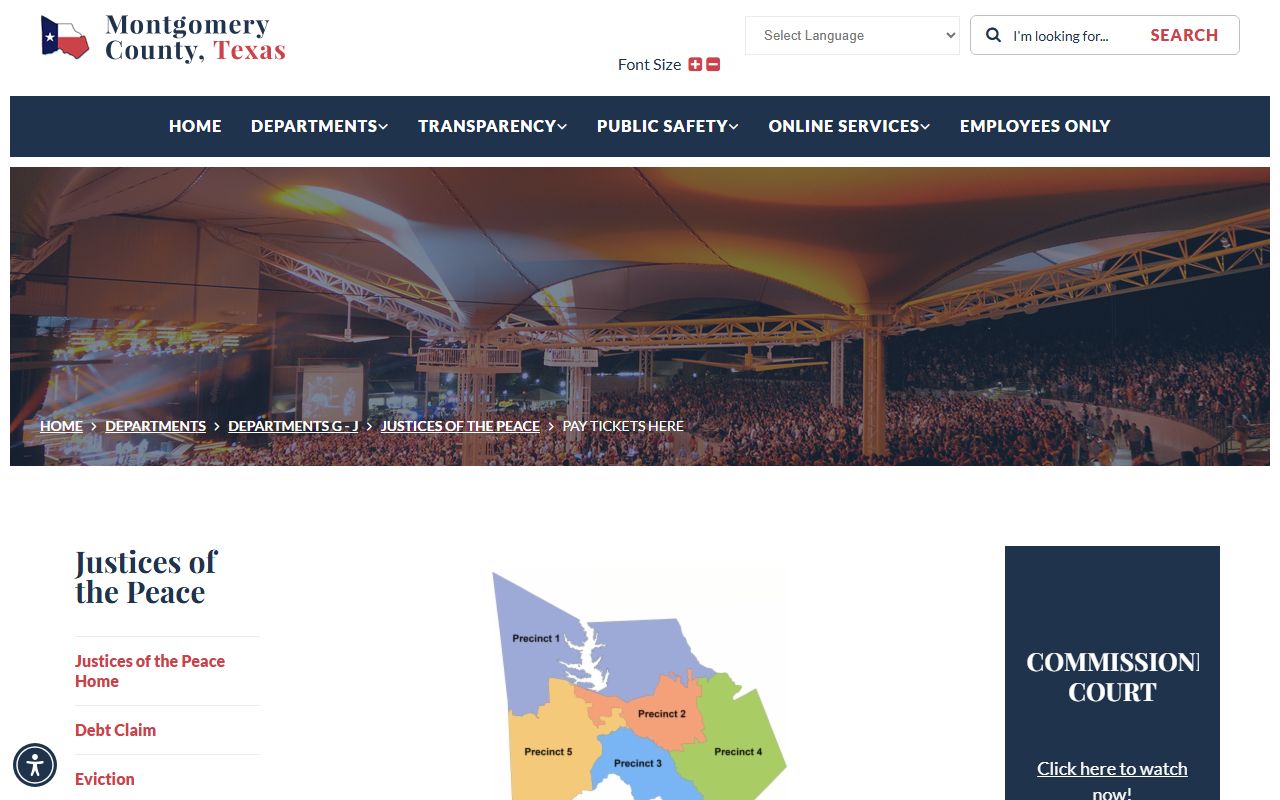
For a county ticket, use the official "Pay Tickets Here" page. It lists a payment link for each of the five JP precincts. Click the precinct that matches your citation. If your ticket came from a city police officer, the case sits in that city's municipal court. Then you pay through the city, not the county. Serious traffic crimes like DWI are different again. Those become criminal court cases on the higher county or district court dockets.
You can reach the county ticket page through the official Pay Tickets Here page, which routes you to the right precinct.
The screenshot below shows that payment page with a link for each precinct. Pick yours from the citation, then follow the precinct link.
If you cannot tell which court has your case, call the precinct or city listed on the ticket. Staff can confirm the case and the next date. They cannot give legal advice. For felony and misdemeanor court files, the main county system runs through the District Clerk and County Clerk, and you can read more on the Montgomery County court records page.
Which Courts Handle Traffic Cases in Montgomery County
Traffic work in the county is split by court level. Most tickets are Class C misdemeanors, and those go to a justice of the peace court or a city court. The county has five JP precincts. Each one covers a part of the county and keeps its own traffic and citation records.
Justice courts handle state highway patrol citations filed in a precinct, many county officer citations, and fine-only criminal cases. They also deal with failure to appear, payment plans, course requests, and deferred disposition requests. City police citations go to that city's municipal court. A ticket from Conroe, The Woodlands area, Magnolia, Willis, Shenandoah, or Oak Ridge North may be payable only through that city court.
Below is the contact table for the five JP precincts. Use it to match your citation to the right court. The precinct on your ticket is the court that holds your traffic record.
| Precinct | Judge | Location | Phone |
|---|---|---|---|
| JP Precinct 1 (Willis) | Wayne L. Mack | 300 S. Danville St., Willis, TX 77378 | 936-539-7801 |
| JP Precinct 1 (Montgomery) | Wayne L. Mack | 19380 Highway 105 West, Suite 507, Montgomery, TX 77356 | 936-788-8374 |
| JP Precinct 2 | G. Trey Spikes | 2241 North 1st Street, Conroe, TX 77301 | 936-538-3788 |
| JP Precinct 3 | See precinct page | 1520 Lake Front Circle, Suite 100, The Woodlands, TX 77380 | 281-364-4284 |
| JP Precinct 4 | Jason Dunn | 21130 Legion Road, Suite 100, New Caney, TX 77357 | 281-577-8970 |
| JP Precinct 5 | Matt Masden | 19100 Unity Park Drive, Magnolia, TX 77355 | 281-259-6494 |
DWI, racing, evading, intoxication assault, and similar charges are not ordinary tickets. Those are crimes, and they move to a county court at law or a district court. You would search those through the main court system, not the JP ticket pages.
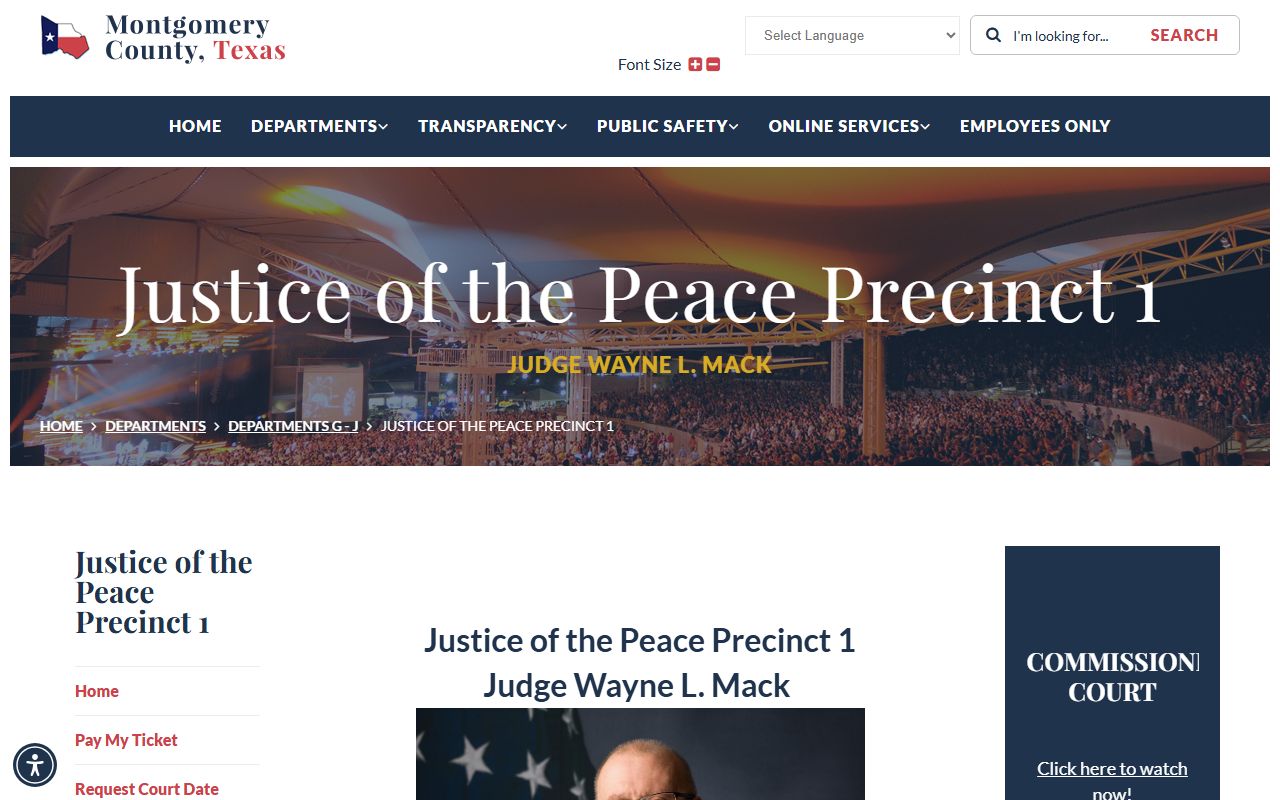
JP Precinct 1 covers the Willis and Montgomery areas under Judge Wayne L. Mack. Its page offers a court date request tool. The screenshot below shows that precinct page.
You can view the official JP Precinct 1 page for hours and forms.
Note: A justice precinct and a city court are not the same office, so a city ticket will not appear in a county JP search.
Types of Montgomery County Traffic Citation Cases on Record
Traffic records cover a wide range of driving offenses. Most are minor and fine-only. Some are serious and bring jail time. The court that holds the file depends on how bad the charge is.
The common, fine-only cases stay at the JP or city level. Speeding, running a red light, no insurance, expired tags, and no seat belt are typical. These make up the bulk of what a precinct court sees each year. You can pay them, fight them, or clear them with a course. Deferred disposition is another path where the law and the court allow it.
The serious cases sit higher. DWI, driving while license invalid with enhancements, racing on a highway, evading in a vehicle, intoxication assault, and intoxication manslaughter are crimes prosecuted in county or district courts. Those records are criminal files, not simple tickets, and you would look for them through the main court search. For more on those charges, see the Montgomery County arrest records page.
What Montgomery County Traffic Court Records Show
A traffic court record tracks one citation through the court. When you pull a case, you can see the charge, the court, the dates, and how it ended. The record follows the ticket from the day it was written to the day it closed.
The table below lists the main fields you find in a Montgomery County traffic court record. Not every field shows on every case, and some details are kept off the public view.
| Field | What It Shows |
|---|---|
| Citation / Case Number | The court's ID for the ticket, used to find and pay the case. |
| Charge / Offense | The violation cited, such as speeding or no insurance. |
| Court / Precinct | The JP precinct, city court, or higher court that holds the case. |
| Court Date | The appearance or hearing date set by the court. |
| Plea | Guilty, not guilty, or no contest entered by the driver. |
| Fine / Cost | The fine and court costs owed on the case. |
| Deferred / Disposition Status | Deferred disposition, dismissed, paid, or convicted. |
| Failure to Appear / Warrant | A missed date flag or a capias issued for nonpayment. |
Remember what a court record is and is not. It shows what happened in court. It does not show your state license points or your full driving history. That is a separate file kept by the state, and the difference between the two is set out below.
Searching Montgomery County Traffic Records by Citation Number vs by Name
You can look up a traffic case two ways. The fast way is by citation number. The other way is by name. Each has a use, and the right one depends on what you have.
The citation number is best when you have the ticket. JP4, for example, says to have your citation number ready to pay online. The number points straight at one case, so there is no guessing and no mixed-up matches. If you are paying or pulling your own ticket, use the number.
A name search helps when you lost the ticket or you are checking on a case. Where a precinct offers case search, you can enter a name to find the case, then read the number off the result. Common names can return more than one match, so confirm the date and the court before you act.
The table below lists the fields and request options you meet in the county JP ticket and case workflow. Some are search fields. Others are request forms that need court approval before they take effect.
| Field Label | Type | Required | Notes |
|---|---|---|---|
| Citation / Ticket Number | Text | Usually for payment | JP4 says have the citation number ready to pay online. |
| Defendant Name | Text | Alternate | Used where a precinct offers case search. |
| Court / Precinct | Choice / link | Yes | Pick JP1, JP2, JP3, JP4, or JP5 based on the ticket. |
| Driver Safety Course Request | Form / link | Conditional | On JP2, JP4, and JP5 pages; needs court approval. |
| Deferred Disposition Request | Form / link | Conditional | On JP4 and JP5 pages; court must approve. |
| Payment Plan | Form / link | Conditional | JP4 and JP5 publish payment-plan resources. |
| Court Date Request | Form / link | Conditional | JP1, JP2, JP3, and JP5 publish court-date request tools. |
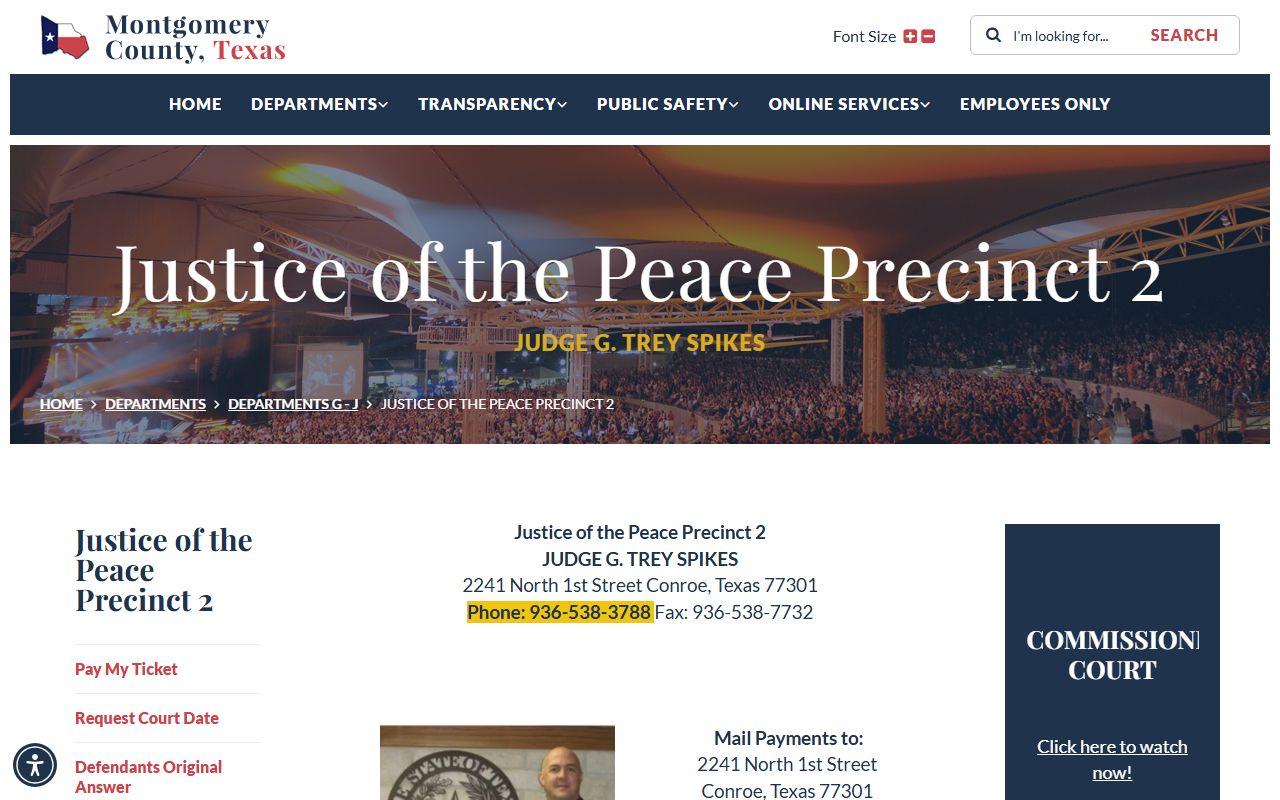
JP Precinct 2 sits at 2241 North 1st Street in Conroe under Judge G. Trey Spikes. Its page links Pay My Ticket, court date requests, defensive driving, and a driving record request. The screenshot below shows that precinct page.
You can open the official JP Precinct 2 page to see those tools.
Paying or Contesting a Montgomery County Traffic Ticket
You have choices when you get a ticket. You can pay it, ask for a course or deferral, or fight it. What you cannot do is ignore it. A missed deadline can turn a small ticket into a warrant. Move before the date on the citation.
Paying is often the simplest path, but it is not always the smartest. In many courts a payment counts as a plea of guilty or no contest, which can create a conviction that gets reported to the state. Think about that before you click pay, especially if your record matters for work or insurance.
The steps below walk through the safe way to handle a Montgomery County traffic citation, from reading the ticket to keeping a warrant from issuing.
- Read the citation. Note the court name, the precinct or city, the citation number, and the appearance deadline.
- Identify the court. For a county case use the Pay Tickets Here page or the JP page. For a city ticket use the municipal court named on the ticket.
- Understand the plea. Know that paying may act as a plea and may create a conviction or reporting consequence.
- Ask about a course or deferral. If you are eligible, request a driving safety course or deferred disposition before the deadline and wait for court approval.
- Ask for help with cost. If you cannot pay, request a payment plan or indigence consideration. JP2, JP4, and JP5 publish payment and alternative resources.
- Contest if you want a hearing. Request a court date or enter a not-guilty plea using the court's procedure.
- CDL holders, check first. Verify the consequences before you request deferral or a course, since CDL cases face stricter rules.
- Do not ignore it. Miss court or skip payment and the court may issue a capias or warrant. Call the court to fix it fast.
JP Precinct 2 takes credit cards in the office with a 5% fee, and mailed payments must be a cashier's check or money order. Other precincts post their own accepted methods, so check the precinct page before you send anything. If a warrant has already issued, see the Montgomery County warrant records page for how to look it up and clear it.
Public Access Laws for Montgomery County Traffic Court Records
Texas keeps most court records open to the public. Traffic cases are no different. Anyone can read a docket, look up a citation, or check a court date. The law starts from the idea that people should know what their government and courts do.
The Texas Public Information Act, Government Code Chapter 552, covers many county and agency records. Court files add judiciary rules on top of that. Clerk record and fee duties come from Government Code Chapter 51. You can read the Texas Public Information Act and Government Code Chapter 51 on the state statutes site.
Open does not mean everything shows. Courts redact items like Social Security numbers and driver license numbers. Juvenile traffic matters are restricted. Some files can be sealed by court order. So a public copy may arrive with parts blacked out, and that is still the only public version the court can give.
Court Traffic Records vs State Driver Records
People mix these two up all the time. A court traffic record and a Texas DPS driver record are different files, kept by different offices, for different reasons. One is a court file. The other is a state license file. Knowing the split saves you a wasted trip.
The court record lives at the court that handled your ticket. It shows the citation and what the court did with it. The DPS driver record is a state licensing record. You order it through the DPS driver record portal. It shows your license status and the convictions reported to the state. The court reports a conviction to the state after the case ends. So the two files update at different times.
The table below lays the two side by side so you can pick the right one for your need.
| Item | Court Traffic Record | DPS Driver Record |
|---|---|---|
| Custodian | JP court, city court, or county/district court for serious crimes | Texas Department of Public Safety |
| Shows | Citation, charge, court date, plea, fine, deferred status, failure to appear, warrant | License status, reportable convictions, crashes or violations where included, suspensions |
| Search by | Citation number, name, case number, court or precinct | Driver license identity information |
| Certified copy | Court clerk | DPS |
| Updates | Court docket and payment system as the case moves | After the court reports a conviction or disposition to the state |
| Use case | Pay or contest a ticket, request driving safety, verify a court date | Insurance, employment, CDL compliance, license status |
If your insurer or employer asks for your driving history, you need the DPS record, not a court printout. If you need to pay or fight a ticket, you need the court. To fix an error on the state record, you usually work back through the court that reported the case.
CDL and Commercial Driver Records
Commercial drivers play by stricter rules. A CDL holder cannot use the same options a regular driver can to keep a ticket off the record. State and federal law limit what a court may do for a commercial license, even on a personal vehicle ticket.
Because of that, deferred disposition and a driving safety course may not erase a conviction for a CDL holder. The reporting rules are tighter. A conviction can hit a commercial record even when the same outcome would clear for a regular driver. The cost can reach a job. So this is not a place to guess.
If you hold a CDL, verify the result before you request any course, deferral, or plea. Ask the court directly and confirm how the case will be reported to the state. JP4 offers a driving record request that can help you check what is on file.
DUI / DWI Cases
A DWI is not a traffic ticket. It is a crime. The case does not sit at a JP precinct as a fine-only matter. It goes to a county court at law or a district court and follows criminal procedure, with the District Attorney prosecuting.
That means you search a DWI through the main county court system, not the precinct ticket pages. The file holds a complaint or information, bond papers, plea documents, and a judgment, much like any criminal case. For the full picture on how those records work, see the Montgomery County arrest records page and the court records page.
Deferred Adjudication and Defensive Driving Course
Two tools can keep a minor ticket from becoming a conviction. One is deferred disposition. The other is a driving safety, or defensive driving, course. Both can help, but both need court approval, and both have deadlines.
With deferred disposition, the court holds off on a finding while you meet conditions for a set time. Finish clean and the case may be dismissed. A driving safety course works in a like way. You complete an approved class. Then the court may dismiss the charge so it is not reported as a conviction. JP4 publishes a driver's course request and a deferred option. JP2 and JP5 publish course and deferral resources too.
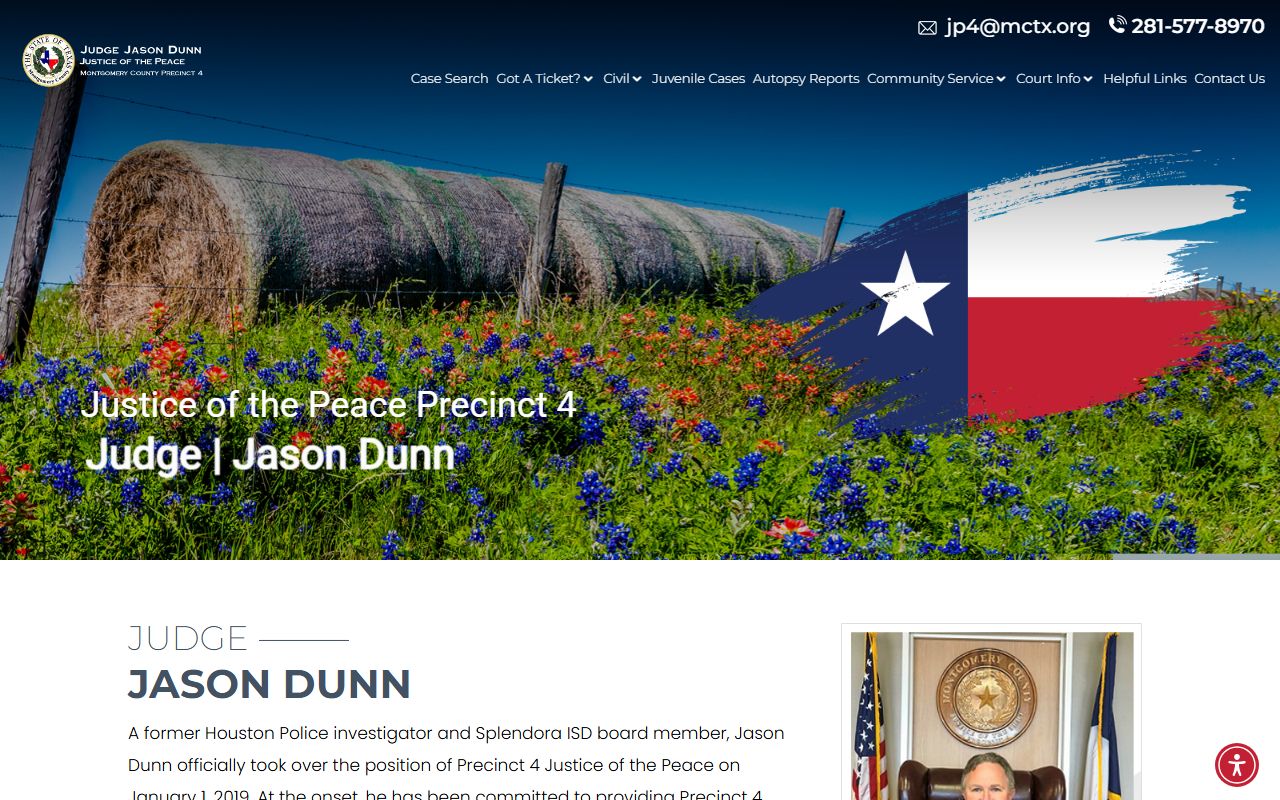
You must ask before the deadline on your ticket. Eligibility depends on the law, your record, and the court. Not every charge or driver qualifies, and a CDL holder should check first. JP Precinct 4, under Judge Jason Dunn at 21130 Legion Road in New Caney, runs a modern site with these options online. You can reach it at 281-577-8970 or by email at jp4info@mctx.org.
View the official JP Precinct 4 site for Pay Your Ticket, Driver's Course, Payment Plan, Driving Record, and Teen Court. The screenshot below shows that site.
Note: Submit any course or deferral request before your appearance deadline, or the court may treat the case as unresolved.
Sealing or Expunging Montgomery County Traffic Records, and Fees for Traffic Record Copies
Most resolved tickets cannot just be erased. A fine paid as a guilty plea becomes a conviction. A conviction stays on the record. Where the law allows expunction of an eligible criminal case, that runs through a court process under Texas Code of Criminal Procedure Chapter 55. It is technical. The court that holds the case, not the clerk alone, decides who can see a sealed file.
That is one reason deferral and a driving safety course matter. They can stop a conviction before it lands, which is far easier than trying to remove one later. Plan ahead rather than fix it after.
Copy costs vary by court and copy type, and the county does not publish one flat traffic-copy fee for every precinct. The table below tells you where to confirm the real amount. Do not rely on a figure from anywhere but the court that holds your case.
| Item | Where to Confirm the Amount |
|---|---|
| Plain copy of a traffic case | The JP precinct or city court that holds the case. |
| Certified copy of a traffic record | The court clerk for that precinct or city court. |
| In-office card payment, JP2 | JP Precinct 2 charges a documented 5% fee on in-office card payments. |
| Mailed payment, JP2 | JP Precinct 2 takes only a cashier's check or money order by mail. |
| DPS driver record copy | The Texas DPS driver record portal sets the state fee. |
| Higher court traffic crime file | The District Clerk; see the District Clerk page. |
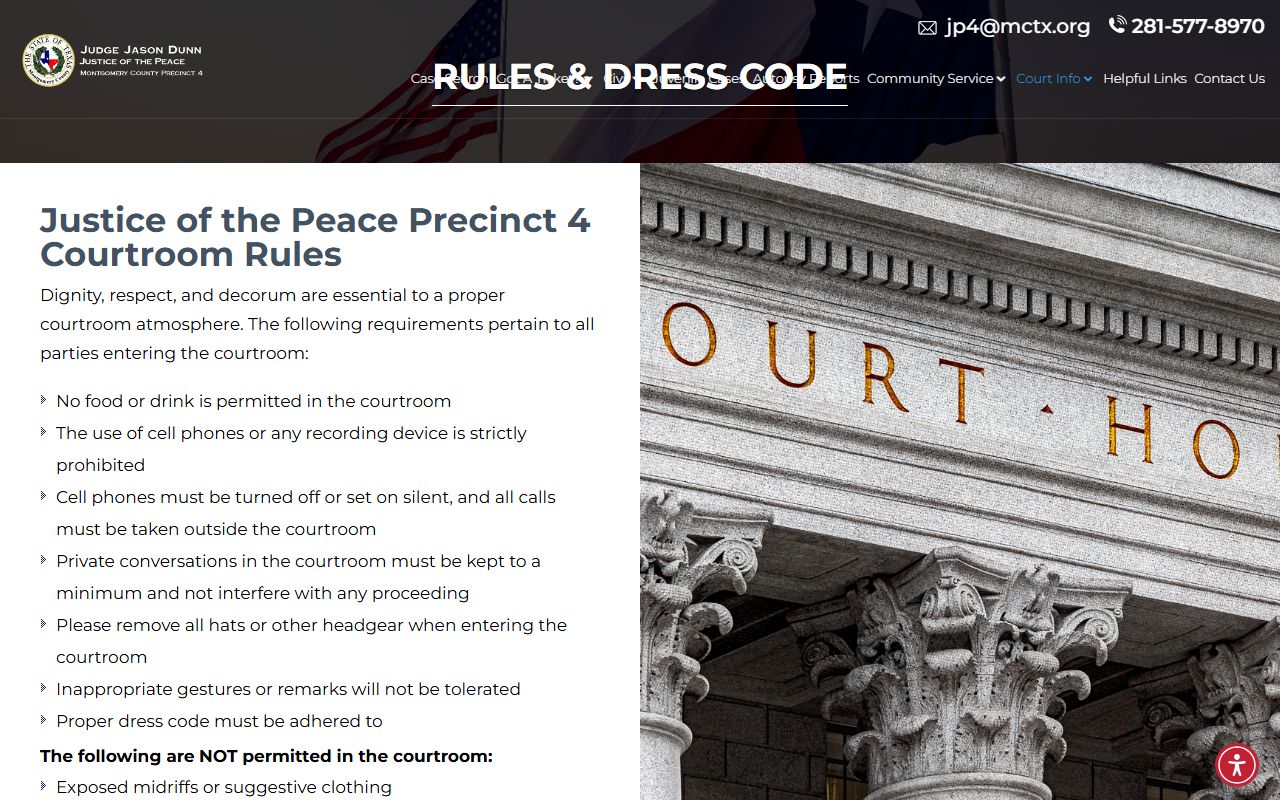
JP4 also posts courtroom rules and a dress code that tell you what to expect if your case goes to a hearing. The screenshot below shows those rules.
You can read the official JP4 courtroom rules and dress code page before you appear.
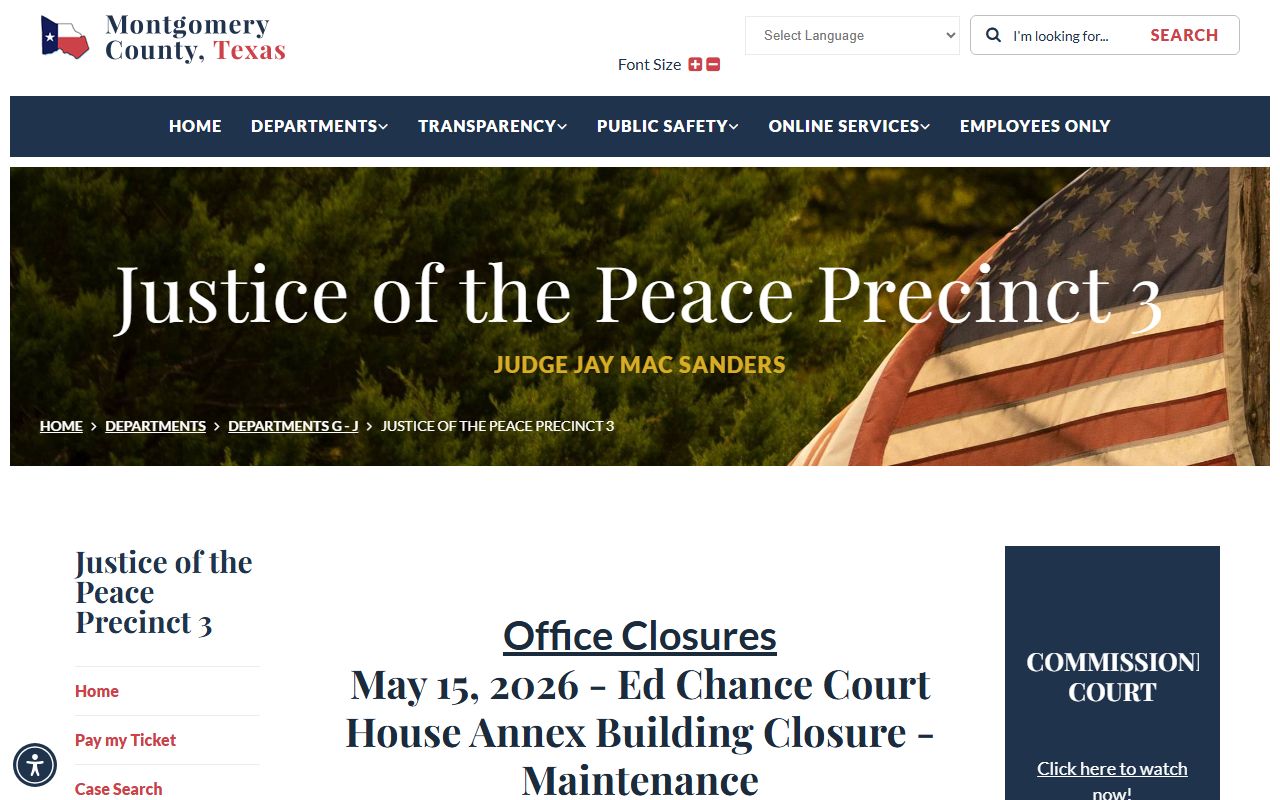
JP Precinct 3 sits at 1520 Lake Front Circle in The Woodlands and offers a case search and a Pay My Ticket tool. You can view the official JP Precinct 3 page for its case search and payment links. The screenshot below shows that page.
Texas Transportation Code Chapter 543 governs traffic citations and the written promise to appear. You can read Transportation Code Chapter 543 on the state statutes site.