
How to Use the Montgomery County Jail Roster
The Sheriff's Office runs the jail and the public inmate lookup. You search by name to find out if someone is held in the county jail. The public Sheriff page is clear about what the search does. It says you can search by name to see if a person is housed in the jail facility and view booking photos. That makes the roster the first stop for a Montgomery County inmate search.
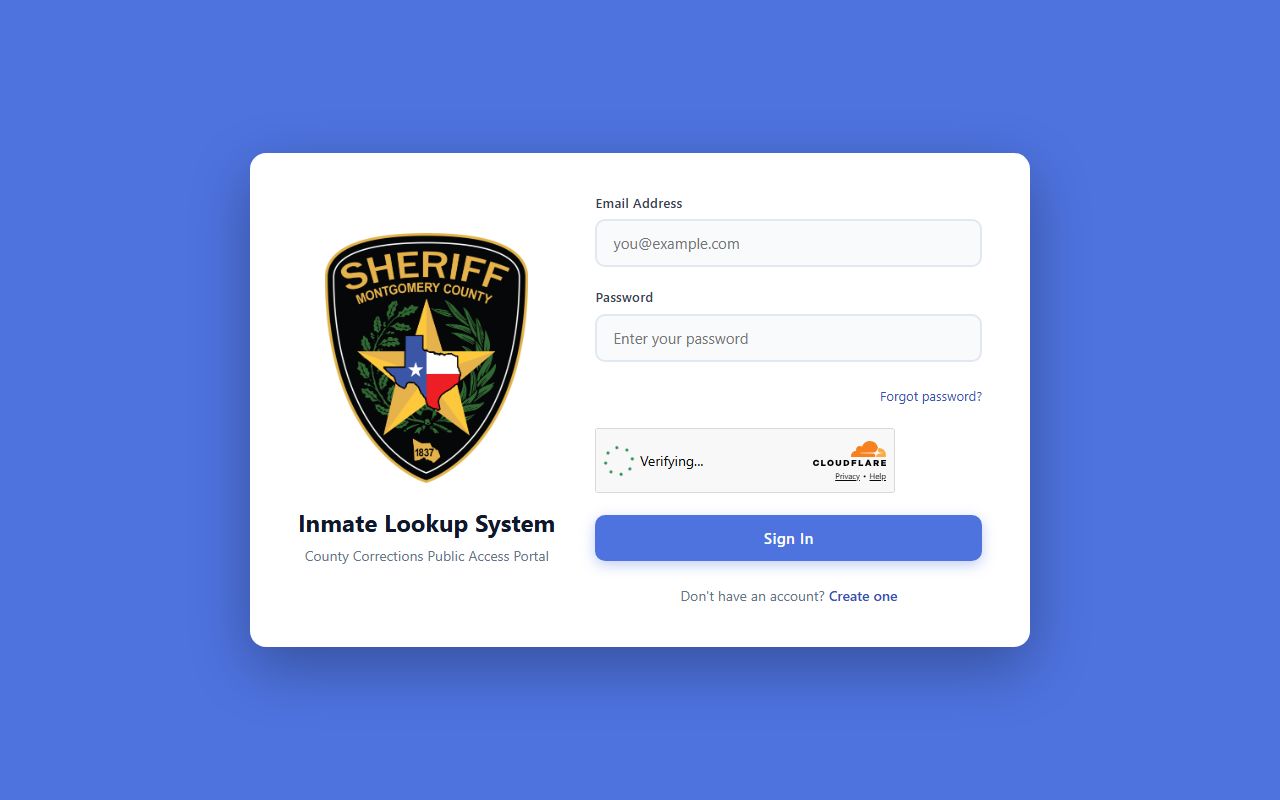
The lookup link now points to a portal called the County Corrections Public Access Portal. It opens to a sign-in screen instead of an open search box. So you may need to sign in or make a free account before you reach the search fields. The steps below walk through the path most people take. Keep a full name ready, and a date of birth if you have one.
- Open the Inmate Lookup System through the Sheriff's jail page.
- If the portal asks you to log in, sign in or create an account.
- Search by the person's name to check if they are housed.
- View the housed status and any booking photo the system shows.
- If the name does not show, the person may be released or held elsewhere.
You can reach the tool from the official Jail Division page, which links the roster, visitation, and the jail FAQ. The lookup itself sits at the County Corrections Public Access Portal. If a name is missing today, it can mean release, a new spelling, or housing at the Waller County overflow site.
The Sheriff's Office posts its public safety tools on one main hub. You can start from the official Montgomery County Sheriff's Office homepage and find the jail links.
From that homepage, the jail and roster links sit under the divisions menu, which leads to the public inmate lookup.
Montgomery County Inmate Lookup Login Fields
The current inmate lookup does not open with a plain name box. It opens with a login screen. The portal is labeled the County Corrections Public Access Portal. Account access may be required before the full search and profile fields show. The table lists the fields you see on that sign-in page.
| Field Label | Type | Required | Notes |
|---|---|---|---|
| Email Address | Email text | Yes | Used to sign in to the portal. |
| Password | Password | Yes | Used with the email to log in. |
| Forgot password? | Link | No | Resets a lost password. |
| Sign In | Button | Yes | Submits the login. |
| Create one | Link | No | Makes a new account when you have none. |
The "Create one" link is meant for people who do not have an account yet. The "Forgot password?" link helps if you signed up before and lost the password. Once you are in, the system should let you search by name. The Sheriff's public jail page is the source for what the search returns, since the login page itself does not show the inner search box to the public.
Note: If the lookup link sends you to a login screen, that is normal; account access may be needed before the name search and inmate profile fields appear.
What a Montgomery County Inmate Profile Shows
The Sheriff's jail page tells you what a roster search returns. It is a name search that confirms custody and shows a photo. The table below lists the fields that the public source confirms. It stays close to what the official page states, not what other jail sites guess.
| Field | What It Shows |
|---|---|
| Name | The name you search to find the person. |
| Housed Status | Whether the person is held in the MCSO Jail Facility. |
| Booking Photo | The booking photo of the housed person. |
| Housing Location | The jail where the person is held; may read "Waller Co Jail" for overflow. |
Fuller fields could not be confirmed from the public login page. Many jail rosters show a booking number, a booking date, charges, and bond amounts. Those fields may exist inside the signed-in portal, but the public source does not verify them. Treat the housed status and booking photo as the core facts the roster gives. For charge and case details, the court records hold more, and you can move from the roster to the arrest records page for that step.
Roster data shifts through the day. People are booked, released, and moved. A count or status you see in the morning can change by night. So the roster is a snapshot, not a fixed file.
The Montgomery County Sheriff and Jail Command
The county jail runs under the Sheriff's Office. Sheriff Wesley Doolittle leads the office, with Chief Deputy Jonathan Zitzmann in support. Jail Command falls under the Justice Bureau. Captain Jeremiah Richards heads Jail Command. The team has 334 sworn and civilian staff. They supervise the jail 24 hours a day, every day of the year.
The jail holds people for both misdemeanor and felony crimes. Some are waiting for trial. Some have been convicted and are serving a county sentence. Others are felony convicts waiting to transfer to the Texas Department of Criminal Justice. The Sheriff's command structure is posted in full on the official site.
You can confirm the leadership names on the Sheriff's command staff page. It names the Sheriff, the Chief Deputy, and the bureau chiefs over each part of the office.

That same chart connects to the bureau that runs the jail and the inmate inquiry lines.
For inmate questions, the office uses a phone menu. Call the jail line and press option 1 first. After option 1, a jail submenu opens. Press 1 for visitation information. Press 2 for directions. Press 3 for warrant information. Press 4 for property information. Press 5 for inmate and bonding information. You can also email inmate inquiries. The full jail overview, with staff size and the inquiry menu, sits on the official Jail Division page.
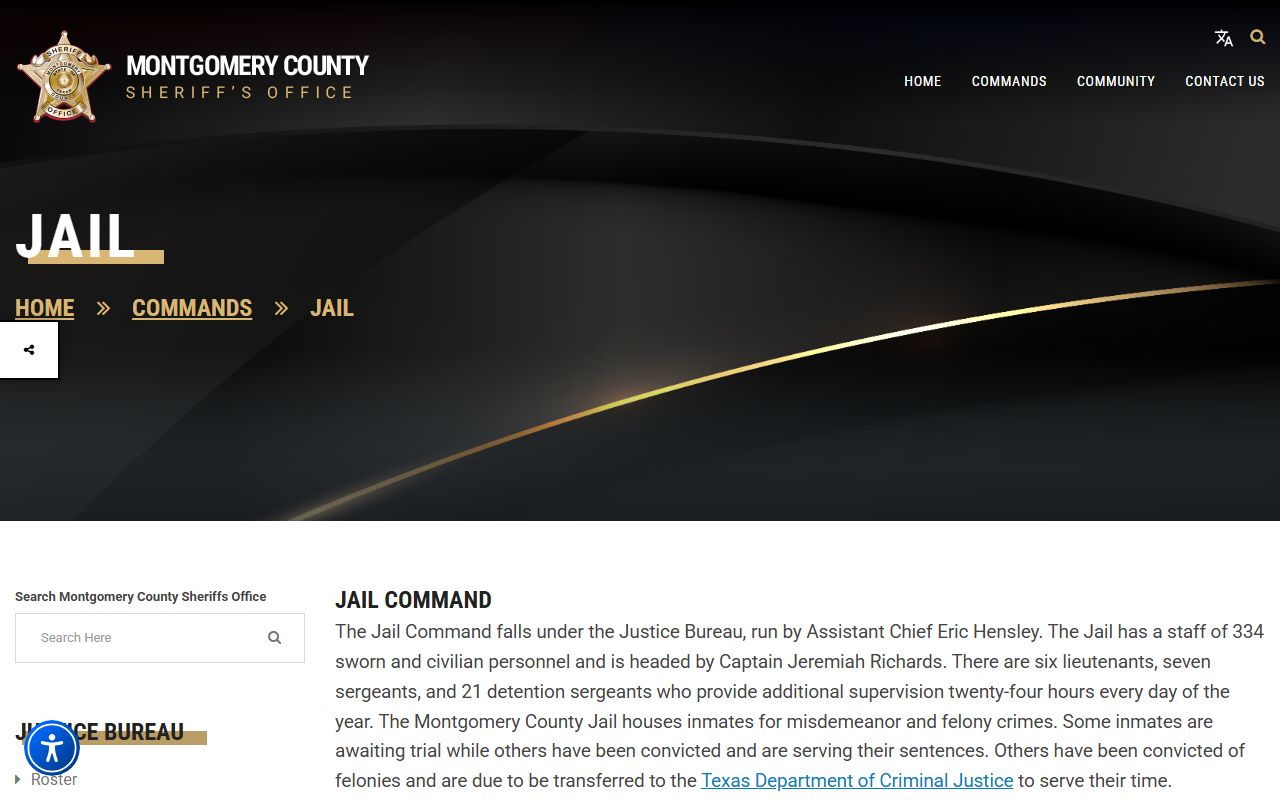
That page is also where the public roster link and the visitation and FAQ links live.
Montgomery County Jail Contact and Address
The jail sits apart from the downtown courthouse. It has its own address on Criminal Justice Drive in Conroe. Use the contact card below to call, write, or visit. The jail line uses a menu, so press option 1 for the jail when you call.
Montgomery County Jail
#1 Criminal Justice Drive
Conroe, TX 77301
936-760-5800, option 1
Email: mcsocjr@mctx.org
Inmate Inquiries
Phone menu option 1, then submenu 5
For inmate and bonding info
936-760-5800
Run by the Sheriff's Office
The jail does not assign or track court dates. For felony court status, call the District Clerk. For misdemeanor court status, call the County Clerk. The District Clerk keeps felony case files, while the County Clerk keeps the misdemeanor side. Staff at the jail can answer custody and bonding questions, but not legal advice.
Bond and Release Timing for Montgomery County Inmates
Bonds are processed 24 hours a day. The jail works them in the order received. Still, the jail cannot promise a set release time. Many things affect how long it takes. Release can take several hours even after a bond is paid.
Court-ordered releases depend on paperwork. When a judge orders release, jail staff may not get the court paperwork until after 5:00 p.m. Sometimes a judge's signature is still pending, and the paperwork arrives the next day. Once the jail has the paperwork and all charges or holds are cleared, the person is released. Every inmate is checked for new warrants before release.
You can watch the roster to gauge progress. Once a person no longer shows on the jail roster, they have been released from custody of the Montgomery County Jail. For deeper steps on confirming a release and tracking state or federal custody, see the released inmates page. A warrant check before release is also why an open warrant can hold someone past a bond, which the warrant records page covers.
Note: A paid bond does not mean an instant release; court paperwork, holds, and a warrant check can each add hours to the process.
Inmate Property Pickup in Montgomery County
The jail releases an inmate's property to a chosen person. Pickup runs between 8 a.m. and 9 p.m. any day. The process is not instant. It can take up to an hour or longer, so plan for a wait.
The inmate must first request that the property be released. The person picking it up has to stay in the lobby. They must show valid identification. An ID card, a driver's license, or another state or federal government ID works. Without valid ID, the staff will not hand over the items.
Property questions use the same jail phone menu. Press option 1 for the jail, then the submenu option for property information. That routes you to the right desk faster than the main line.
Waller County Overflow Housing for Montgomery County Inmates
Montgomery County partners with Waller County to house some inmates. The reason is overcrowding at the main jail. This matters for an inmate search, because it changes what the roster shows for housing.
Inmates sent to the overflow site still appear on the Montgomery County jail roster. The housing location reads "Waller Co Jail" for those people. So a name can show as housed even when the person is not in the Conroe building. Visitation, mail, and commissary for those inmates follow Waller County Sheriff rules, not the Montgomery rules below.
A few things stay tied to Montgomery County. Existing commissary funds move with the inmate. Property stays in Montgomery County. Most important, an inmate housed in Waller County is still released from custody through Montgomery County. So you track release the same way, through the Montgomery roster and the inmate inquiry line.
Montgomery County Jail Visitation Schedule
Visits do not work on a walk-in basis. You must schedule online 24 hours in advance. The Sheriff posts the schedule and the rules on the official visitation page. The table lists the current visitation hours by day.
| Day | Hours |
|---|---|
| Saturday | 8:00-11:00 a.m.; 2:00-5:00 p.m. |
| Sunday | 8:00-11:00 a.m.; 2:00-5:00 p.m. |
| Monday | 7:30-10:30 p.m. |
| Thursday | 7:30-10:30 p.m. |
Schedule each visit at the Sheriff's jail visitation scheduler at least 24 hours ahead. There are no walk-ins. Every visitor passes through a metal detector. Each visitor must bring a valid government-issued photo ID, such as a driver's license, a state ID, or a passport. Secure phones, bags, and other personal items in your vehicle before you enter.
The Sheriff publishes the full set of visitation rules on one page. You can read them on the official jail visitation page before you book a time.
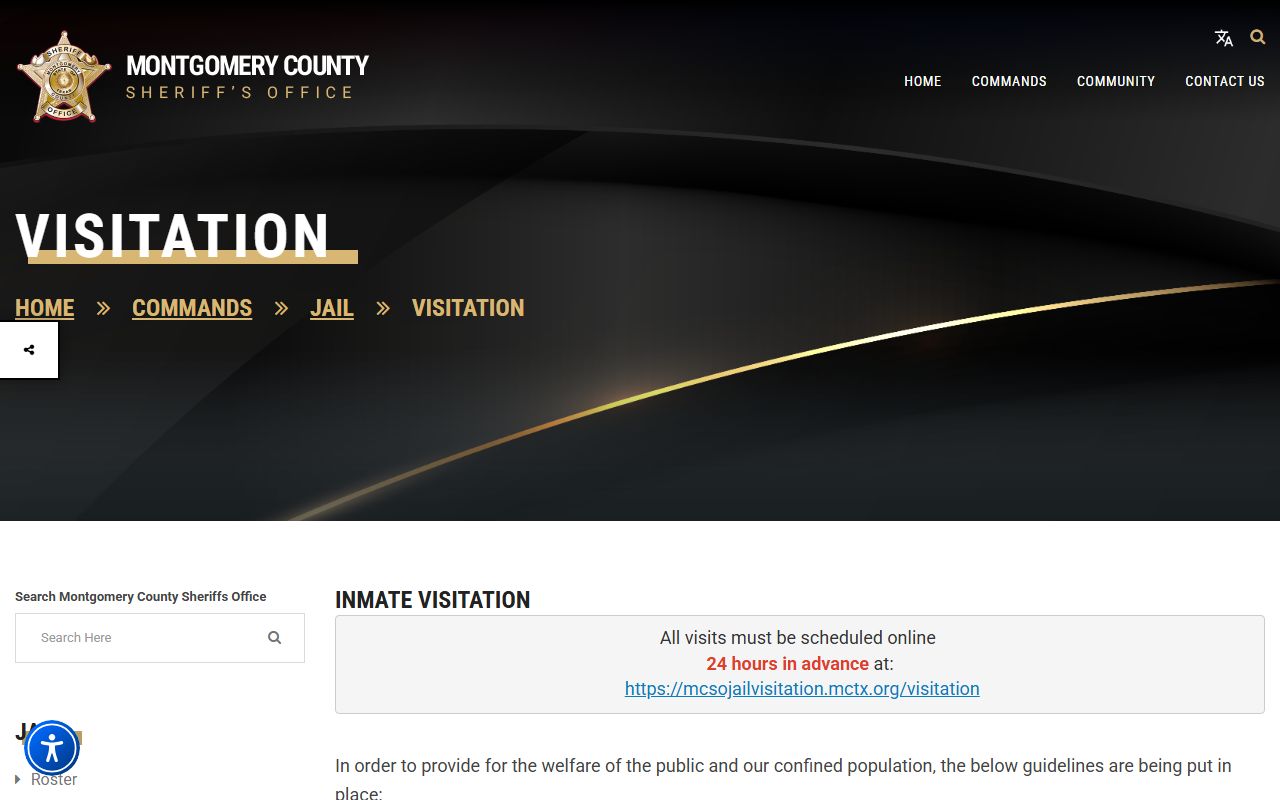
That page is also where the dress code and the 24-hour scheduling rule are spelled out in detail.
Sending Money to a Montgomery County Inmate
Families can put money on an inmate account three ways. There is a lobby kiosk, a phone line, and an online or mobile option. Each one charges a fee that grows with the deposit amount. The table breaks down the methods and fees.
| Method | Details | Fees |
|---|---|---|
| Lobby kiosk | At #1 Criminal Justice Drive, open 24 hours; takes cash $5 and up plus Visa or MasterCard | Cash $0.01-$300 fee $4.00; card $3.95 / $6.95 / $8.95 / $10.95 by tier |
| Phone | Call 1-866-345-1884; Visa or MasterCard | Card $4.95 / $7.95 / $9.95 / $11.95 by tier |
| Online or mobile | Through an Access Corrections account | Card $3.95 / $6.95 / $8.95 / $10.95 by tier |
The card fee tiers track the deposit size. A small deposit pays the low fee. A deposit near the $300 cap pays the top fee. The cash kiosk has the simplest fee, a flat $4.00 on any cash amount up to $300. Pick the method that fits how you want to pay and how much you want to send.
Mail, Phone, and Commissary for Montgomery County Inmates
Inmate mail rules changed. Effective May 26, 2026, regular inmate mail no longer goes to the jail. It goes to a mail center in Arkansas, where it is scanned and delivered electronically. Every piece must include the inmate full name and ID number. Legal mail is the one exception. It still goes straight to the jail.
Send non-legal mail to: Montgomery County, TX, Inmate Name, Inmate ID #, PO Box 16120, Jonesboro, AR 72401. Pictures and drawings can be scanned. Anything that cannot be scanned is returned. Packages and certified mail are returned. Publications, magazines, and newspapers are no longer accepted. Physical mail is destroyed 60 days after it is uploaded. Legal mail goes directly to the Montgomery County Jail with the inmate name, ID number, and cell location, Conroe, TX 77301.
Phone service comes from ICSolutions. Friends and family can set up a prepaid account so calls go through. Create an account at www.ICSolutions.com or call 1-888-506-8407. Commissary works through Keefe Access Securepak, which lets you order prepackaged items for an inmate. Order by phone at 1-800-546-6283. The Securepak spending limit is $100 per week, separate from the normal commissary limit.
Many of these rules sit in the Sheriff's jail FAQ. You can read the answers on the official jail FAQ page, which covers money, mail, phone, and release.
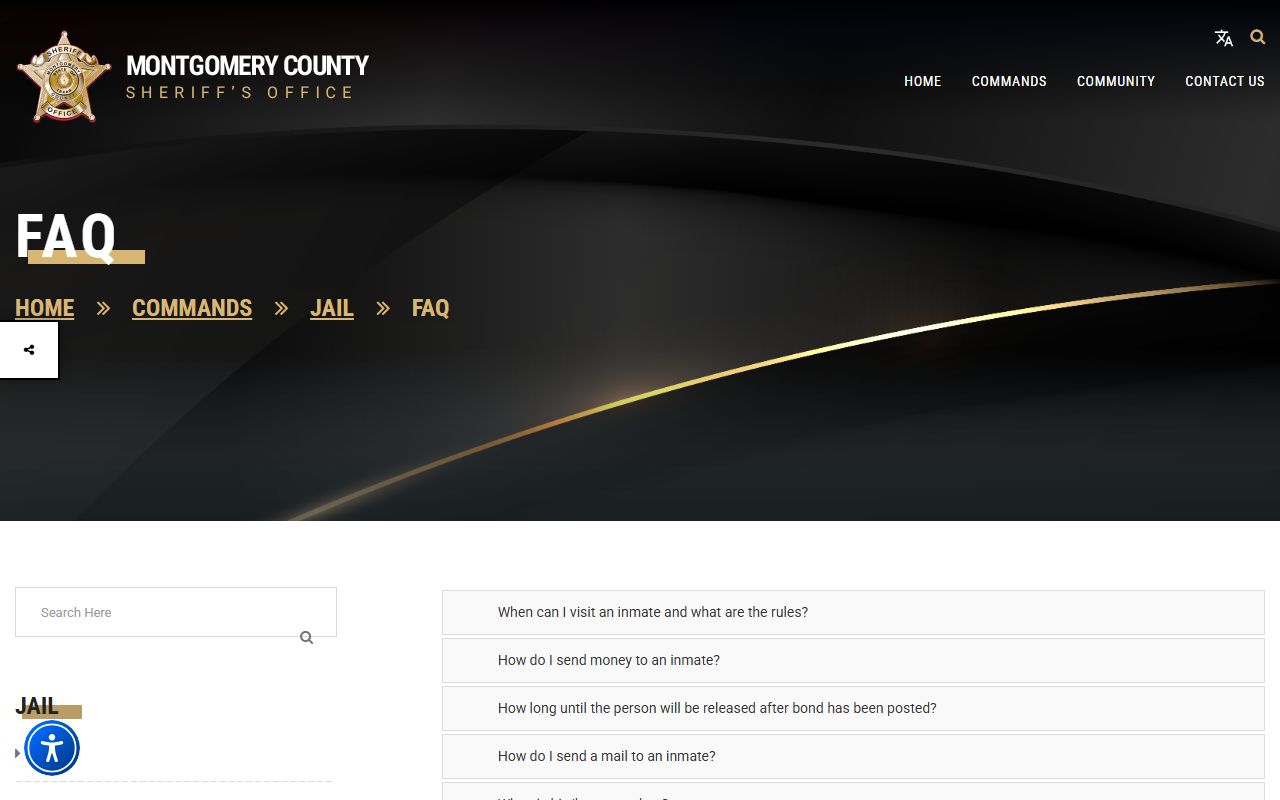
The FAQ is the place to confirm a current rule before you send mail or money, since these policies do change.
State and Federal Inmate Follow-Up
The county roster only covers the county jail. Some people move past it. A felony convict may transfer to state prison. A federal case sends a person into federal custody. For those, you need a different search tool.
State prison custody is tracked by the Texas Department of Criminal Justice. Federal custody is tracked by the Bureau of Prisons. There is also a custody notification service that can alert you to status changes. The released inmates page walks through the state TDCJ search, the federal BOP locator, and VINELink notifications in more depth.
If you want jail population numbers rather than one person, that is a separate topic. The jail population page covers capacity, daily counts, and the overflow housing context. So an individual name search lives here, while the big-picture counts live there. Use whichever fits your question.
Why the Montgomery County Inmate Lookup Asks You to Log In
The public inmate lookup used to be a simple search box. The link now redirects to the County Corrections Public Access Portal. That portal opens to a login screen. For some users this is a surprise, so it helps to know what to expect.
The screen you see came up in the verified source. It shows the email and password fields, the forgot-password link, the sign-in button, and the create-account link. The Sheriff's public jail page still describes the search as a name lookup that shows housed status and booking photos. So the function is the same; the access path has a login step.
You can see the portal entry screen here. The verified capture comes from the live inmate lookup portal.
If the portal blocks you, the inmate inquiry phone line is the backup. Call the jail menu, press option 1, then the submenu option for inmate and bonding information.