
How to Search Montgomery County Court Records
The county runs the District Clerk Odyssey Public Access site for district court cases and a separate County Clerk Odyssey site for county and probate cases. Both use Tyler Technologies Odyssey, so the screens look alike. The difference is which records they hold. District Clerk Odyssey covers felony criminal, civil, family, and divorce matters. County Clerk Odyssey covers county misdemeanor, civil, and probate matters. Recorded items like deeds and marriage records live in a third tool, the County Clerk Official Records Search.
Before you begin, gather a full name or a case number. A date range helps when a name is common. If the first portal shows nothing, the case may belong to the other clerk, so check both before giving up.
- Open the District Clerk Odyssey portal for felony, family, or major civil cases.
- Or open the County Clerk Odyssey portal for misdemeanor, county civil, or probate cases.
- Pick a location from the menu, such as Criminal Records, Civil and Family, or Court Calendar.
- Enter the party name or case number, then narrow by court and filing date.
- Open the case to view parties, docket entries, and status, then ask the clerk for a certified copy if needed.
The District Clerk Odyssey landing page lets you choose between all courts, criminal records, civil and family records, and the court calendar. You can reach the district case search through the official District Clerk Odyssey portal. Use the County Clerk version of the same system when your matter is a misdemeanor, a county civil case, or a probate file.
Montgomery County Court Records Search Fields
Each portal asks you to choose a location first, then opens name and case-number search fields. The table below lists the location options on the District Clerk Odyssey site. The County Clerk site mirrors it, but its menu reads All County Courts, Criminal Records, Civil and Probate Case Records, and Court Calendar.
| Field Label | Type | Required | Notes / Format |
|---|---|---|---|
| Select a location | Dropdown | Yes | All Courts, Criminal Records, Civil and Family, Court Calendar |
| Criminal Records | Location option | No | Use for felony criminal case searches |
| Civil and Family Case Records | Location option | No | Use for civil, family, and divorce district cases |
| Court Calendar | Location option | No | Use for dockets and hearing dates |
| Help | Link | No | Tyler Odyssey help reference |
For recorded instruments, the County Clerk Official Records Search adds a search term, a recorded date range, quick date filters, and a choice between an index-only search and a full-text OCR search. The index-only option looks at fields the clerk indexed, such as a grantor name or a document number, and treats each word on its own. The full-text OCR option reads the scanned text inside the documents and treats two or more words as a phrase. That choice changes your results, so pick the one that fits how much you already know.
Quick date filters speed things up when you only need recent activity. The portal offers ranges from the last 24 hours out to the last full year. A page also shows a "certified through" date, which tells you how current the recorded index is.
Types of Montgomery County Court Records
Montgomery County court records fall into a handful of broad groups. Each group comes from a specific court, and that decides which clerk you ask. Felony files come from the eight district courts. Misdemeanor files come from the five county courts at law. Probate runs through Probate Court No. 1, and small claims and evictions run through the justice courts.
Criminal cases are prosecuted by the District Attorney, whose office is split into divisions by crime type. Those divisions handle the felony and misdemeanor filings that become the criminal court record.
- Felony criminal records, filed at the district level and prosecuted by the DA.
- Misdemeanor criminal records, filed at the county level.
- Civil and family records, including divorce, custody, and money suits.
- Probate records, such as wills, estates, and guardianship.
- Justice and traffic records, handled by the precinct JP courts.
The DA Division C team handles intake, major crimes, vehicular crimes, financial crimes, forfeiture, and elder abuse.
The work of these teams is described on the DA Division C page.
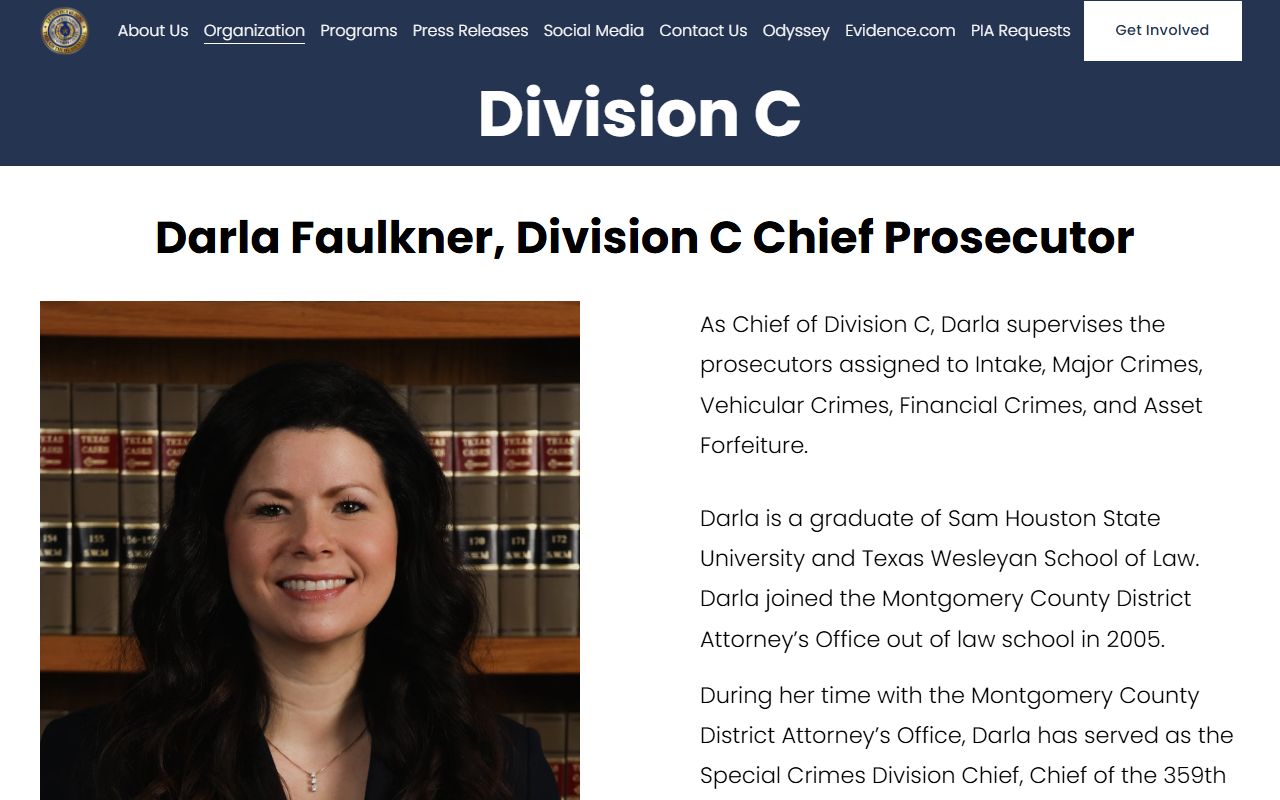
A separate team, Division B, focuses on special victims, domestic violence, human trafficking, child exploitation, and public integrity cases.
Those case types are outlined on the DA Division B page.

For felony case files, search the District Clerk side; for the deeper criminal picture, see the arrest records page.
What Montgomery County Court Records Show
Odyssey ties each case together under one case number. When you open a result, you see the parties, the court, the filing date, the case type, and the docket. Sensitive data is removed from the public view. A full case record can also include hearings, financial entries, and document links, though access to documents varies.
| Field | What It Shows |
|---|---|
| Case Number | The clerk's unique ID, often year plus a sequence number. |
| Court / Location | District court, county court at law, probate, or calendar node. |
| Parties | Plaintiff and defendant, petitioner and respondent, or the State and the accused. |
| Filing Date | When the petition, indictment, information, or application was filed. |
| Docket Entries | Filings, motions, orders, resets, pleas, and hearings. |
| Disposition | The final outcome, such as dismissed, judgment, or pending. |
Court-calendar searches return the date, time, courtroom, and judge for a setting. Treat that as scheduling information, not a full case file, and confirm any hearing with the court.
Public Access Framework for Montgomery County Court Records
Texas opens most government records unless a statute or court order closes them. The Texas Public Information Act, Government Code Chapter 552, governs county and sheriff records. Court files add a layer of judiciary rules on top. Clerk duties and fees come from Government Code Chapter 51. So the same incident can produce an open court file and a withheld investigation file at the same time.
Anyone can search the public portals and request copies. Certified copies need a clerk transaction and a fee. The Texas Attorney General handles disputes when a governmental body withholds requested records, though sealed court files follow a court process instead.
Note: A "no record found" result can mean a wrong portal, a spelling issue, a sealed file, an older non-indexed case, or a city case instead of a county one.
Records That Are Sealed or Confidential in Montgomery County
Some files stay closed by law. Juvenile records are restricted under Texas Family Code Chapter 58. Adoption records are confidential under Chapter 162. Mental health files fall under Health and Safety Code Chapter 611. Civil records can be sealed only under Texas Rule of Civil Procedure 76a, which requires court findings and public notice. Expunged criminal records are removed from public systems under Code of Criminal Procedure Chapter 55.
To view a sealed record, a party or attorney usually files a motion with the court that holds it. The clerk cannot lift a seal or decide who may see a restricted file. Justice court and municipal cases, like the small claims and traffic matters handled at the precincts, are kept by those courts directly.
Many of these everyday filings sit at the justice of the peace level rather than at the main courthouse.
Precinct 5 in Magnolia, for example, posts its own forms and case tools on the JP Precinct 5 page.
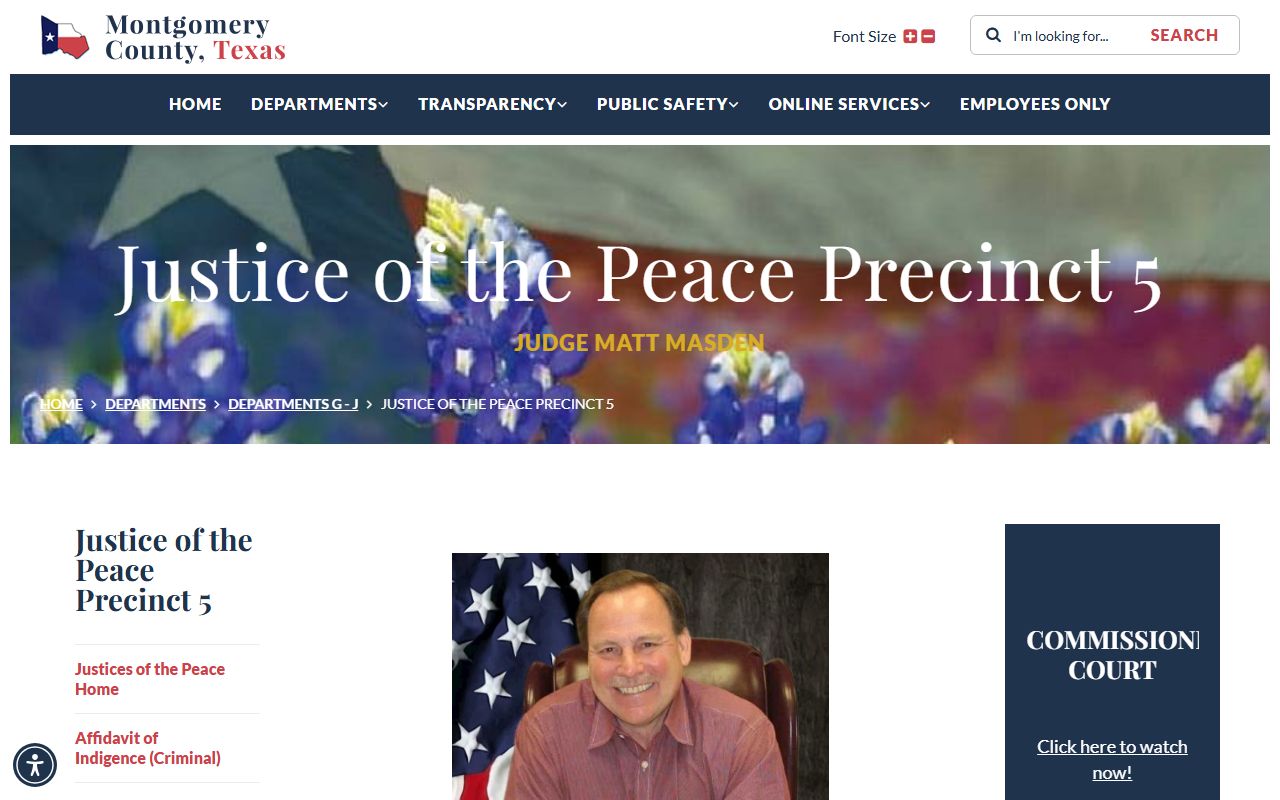
If a case is not in the district or county Odyssey portals, check the JP precinct named on the paperwork.
Certified Copies of Montgomery County Court Records
Not every copy is the same, and the difference matters. Public inspection lets you read a file, often at little or no cost. A plain copy is a simple printout. A certified copy carries the clerk's seal and statement that it is a true copy, which courts and agencies require for legal use. Staff research on older or offline files can add time and a fee. A screenshot of an online docket is none of these, so do not rely on it for a legal purpose.
Online portals are best for finding a case number, a party name, a filing date, or a document type. Once you have those details, the certified copy still comes from the clerk that holds the record. The District Clerk has a records and research area for district court files. The County Clerk handles certified copies for county court, probate, marriage, birth, and death records. Document access through the portals can vary by case and by whether the file is sealed.
A strong copy request is specific. Name the case number, the parties, the court, the filing date, and the exact document you want. A broad request, like "everything about" a person, often draws delay or a cost estimate. Texas law also protects items such as Social Security numbers and driver license numbers, so a released copy may arrive with parts redacted.
In-Person Court Record Requests
You can request records in person at the clerk that holds the file. The District Clerk keeps district court files at the Main Street building in Conroe and has a records and research area. Bring the case number, the party names, and a photo ID, and be ready to pay a copy or certification fee. Clerks can hand you forms and explain the process, but they cannot give legal advice.
Montgomery County District Clerk
301 N. Main Street, Suite 103
Conroe, TX 77301
936-539-7855
Melisa Miller, District Clerk